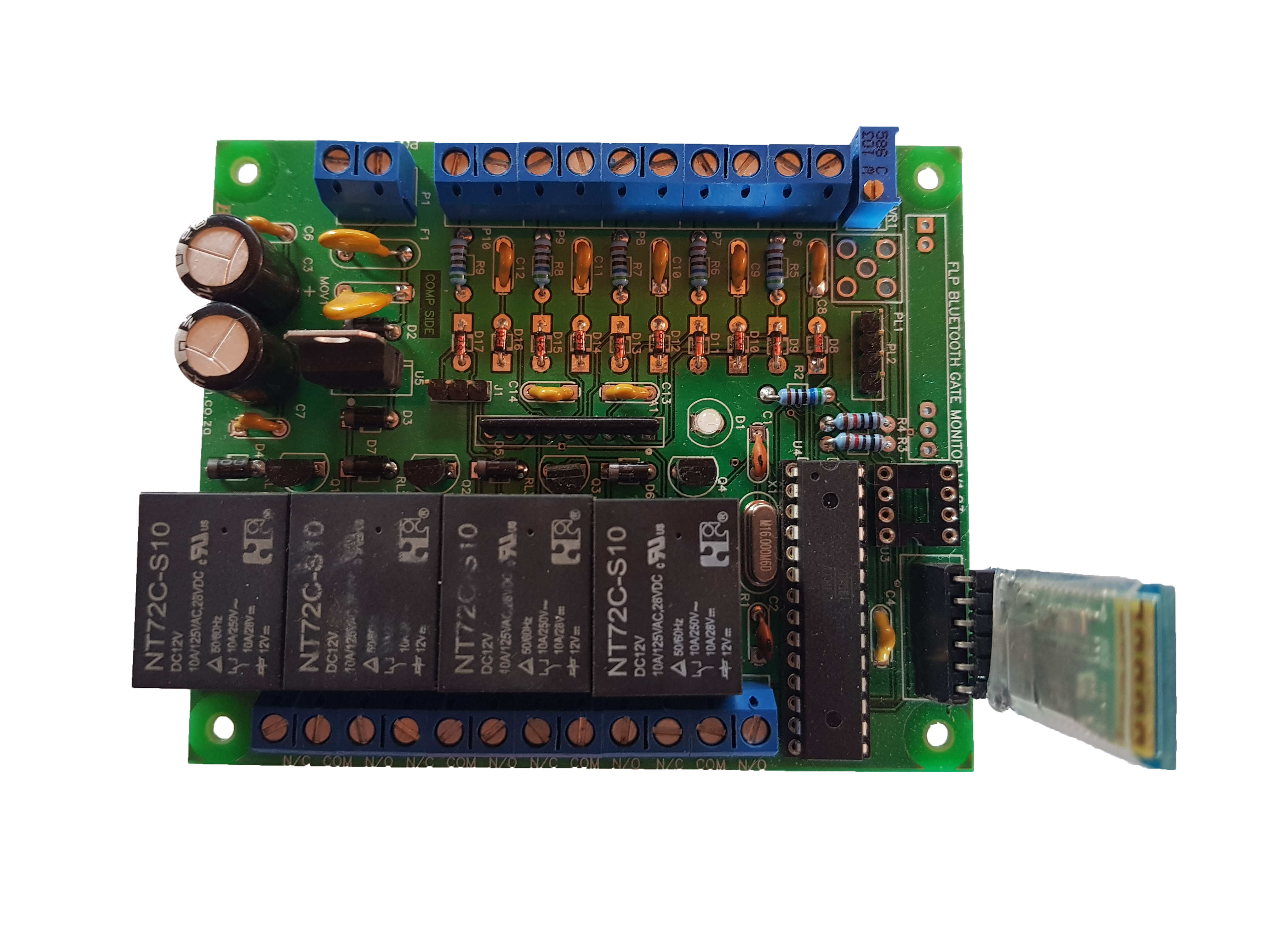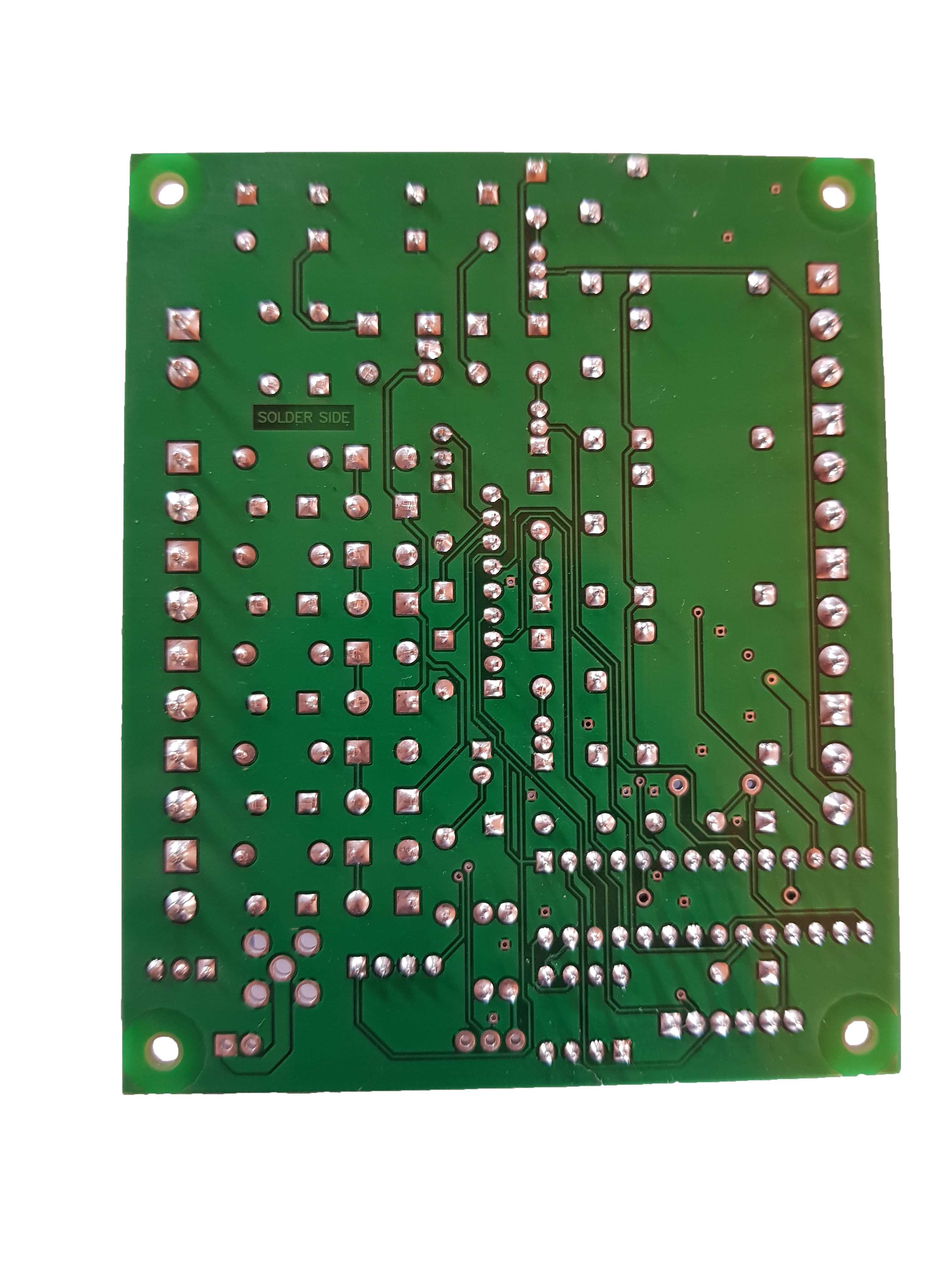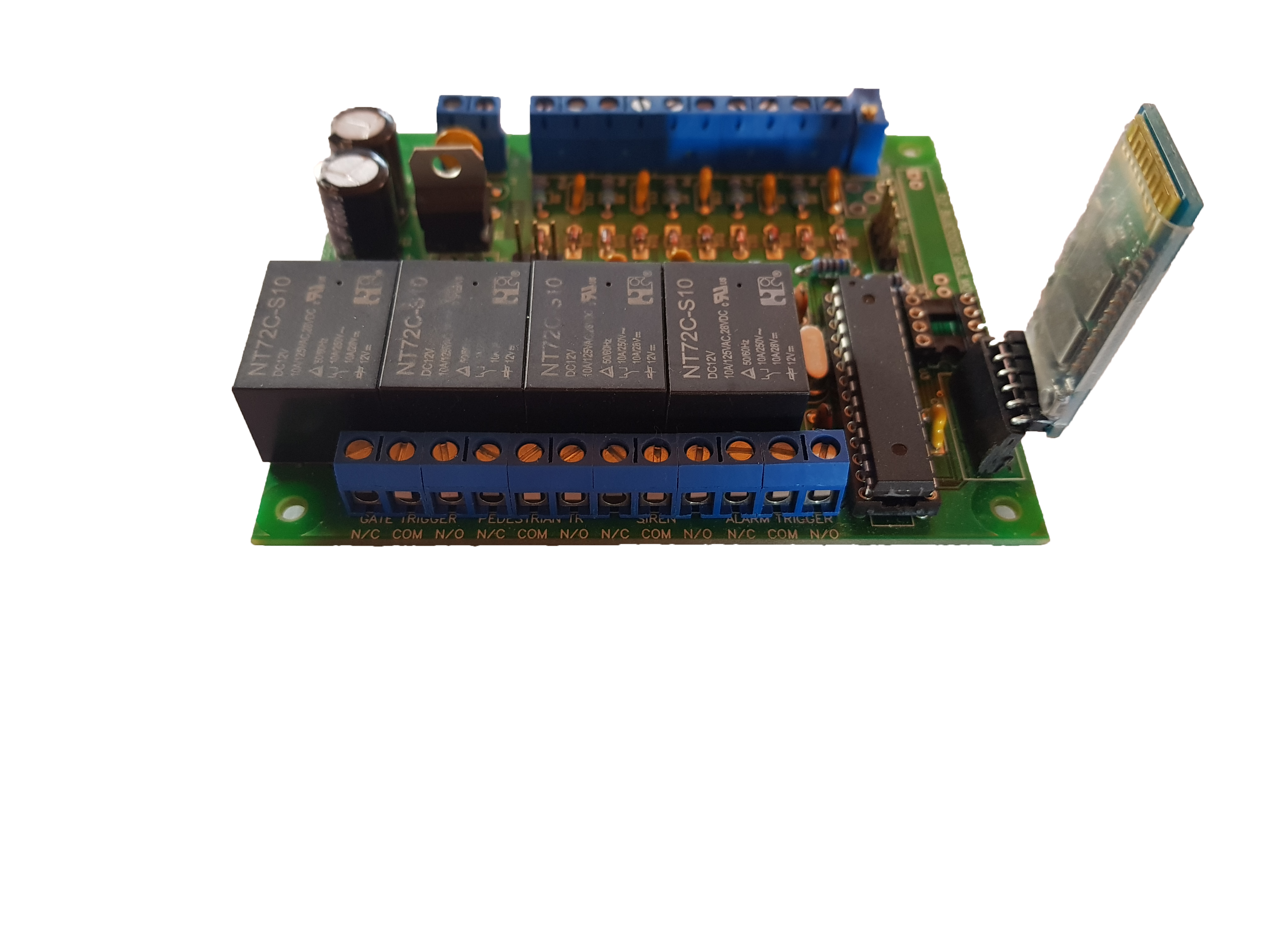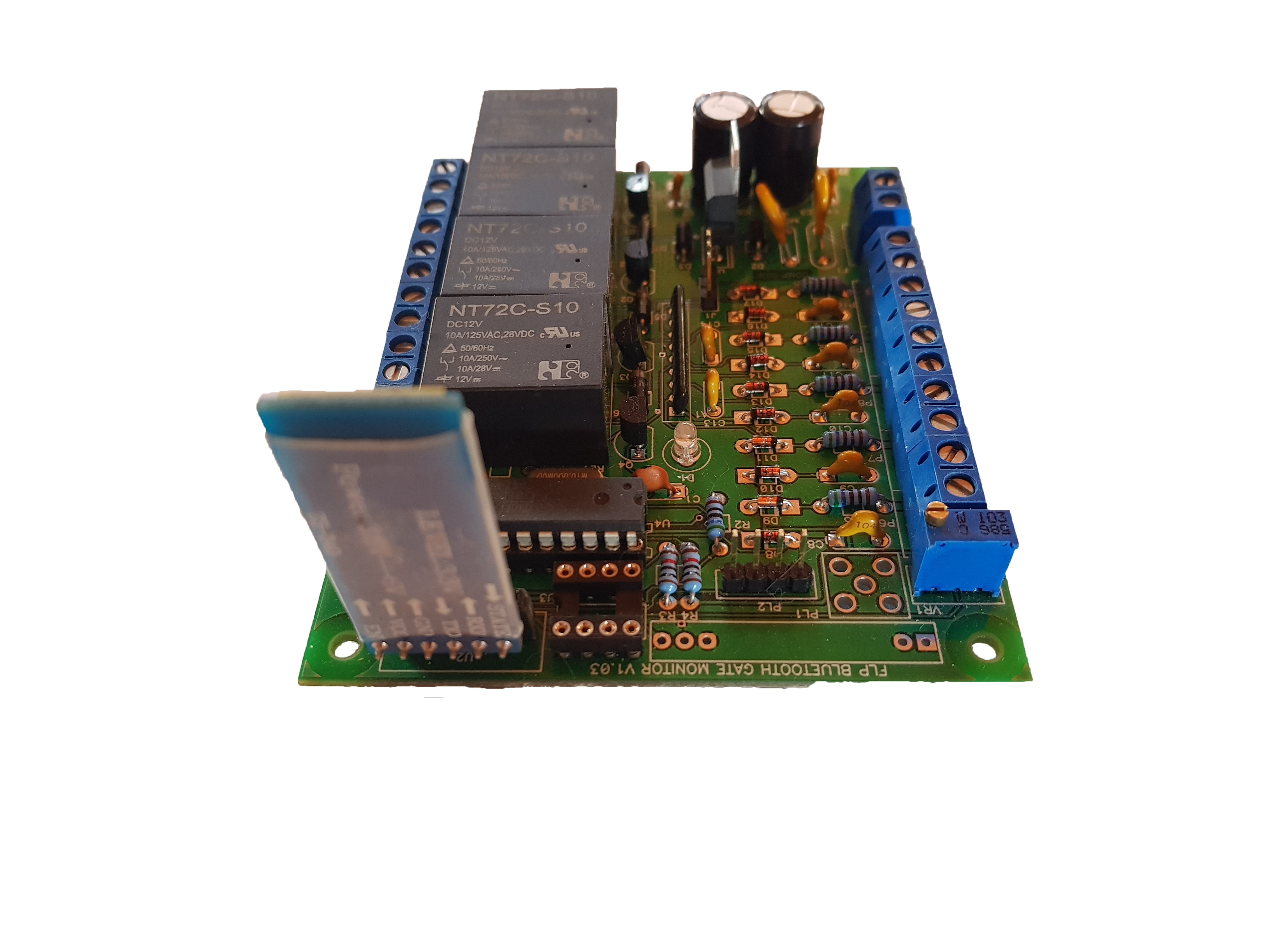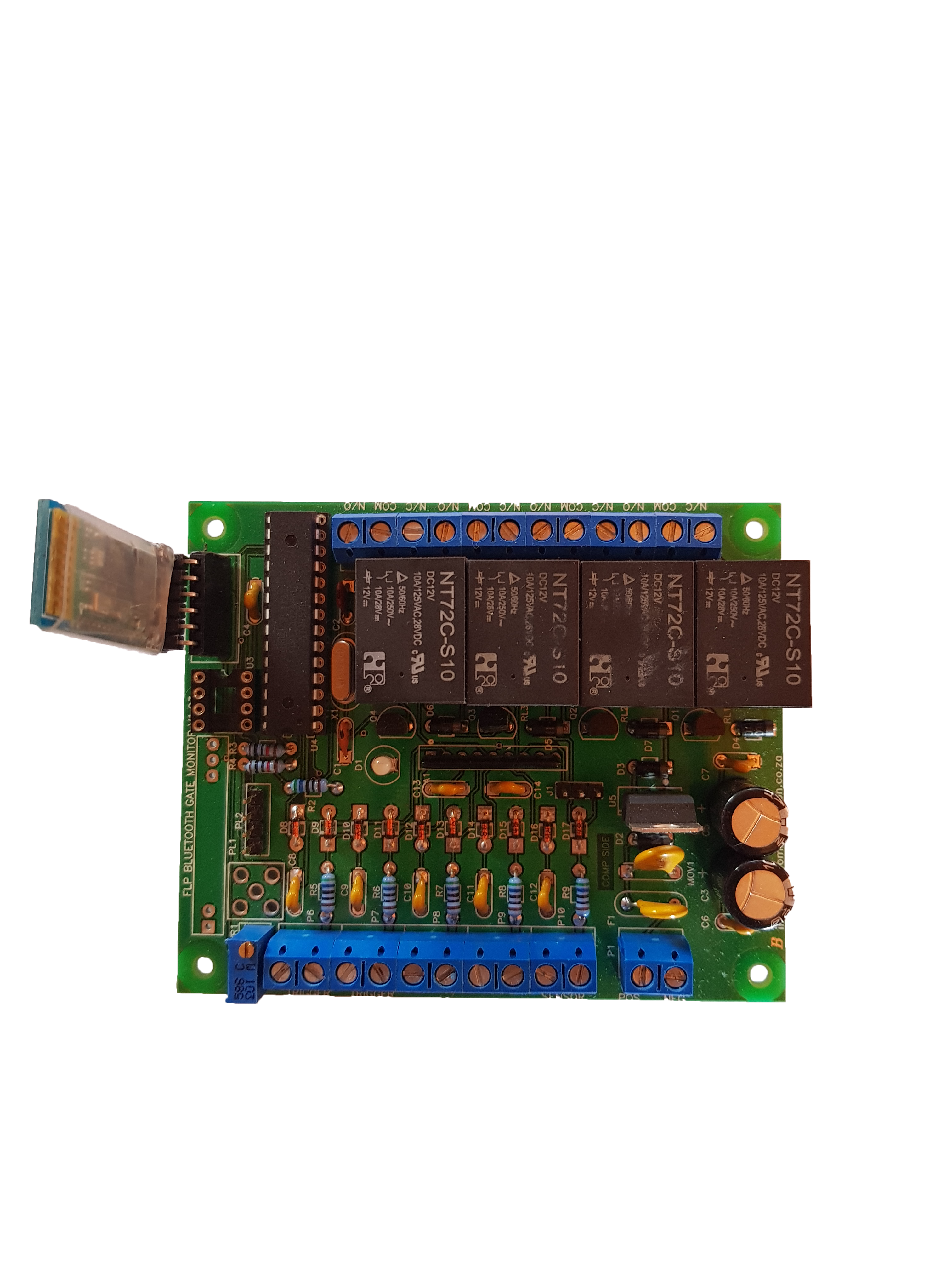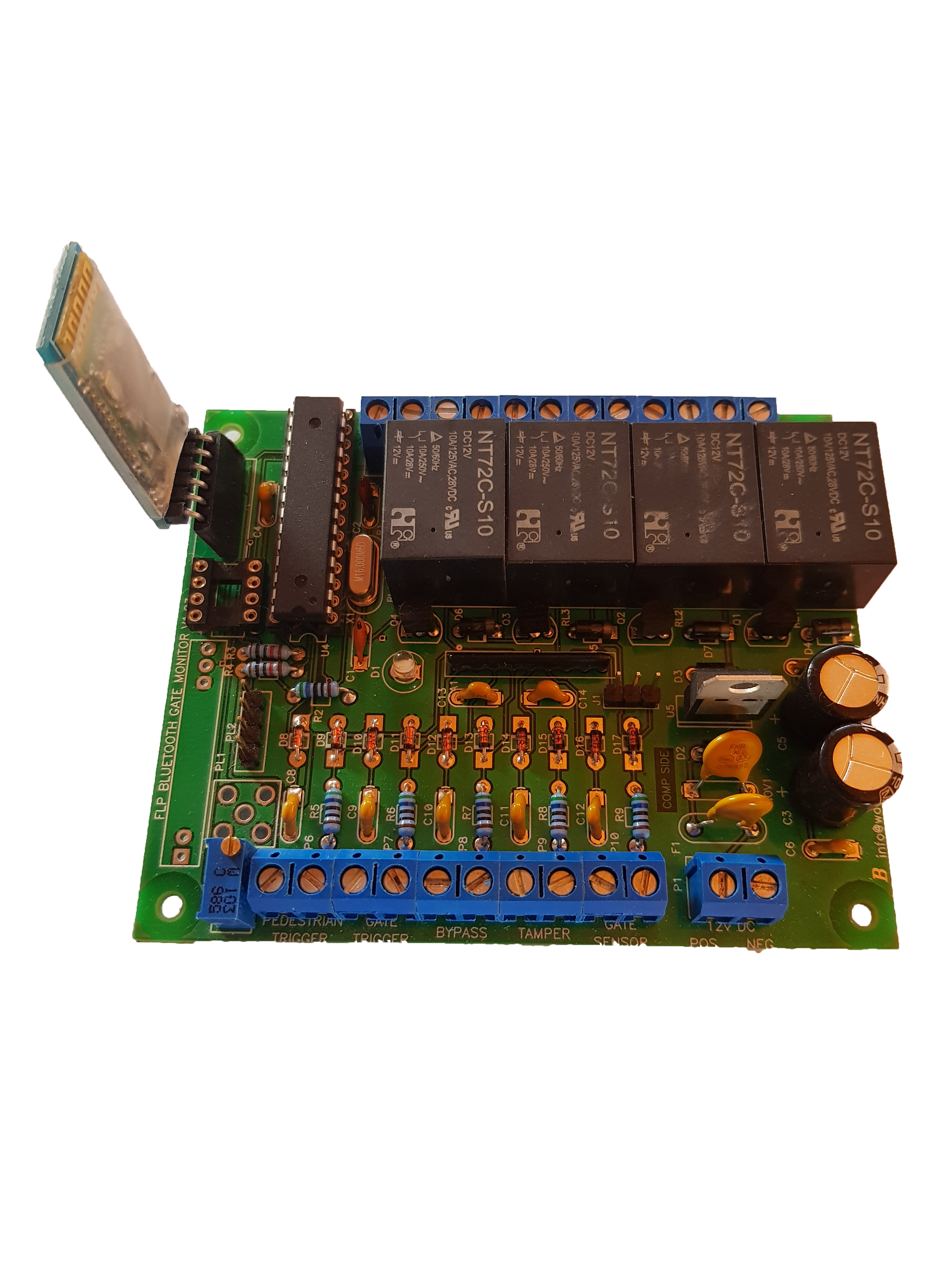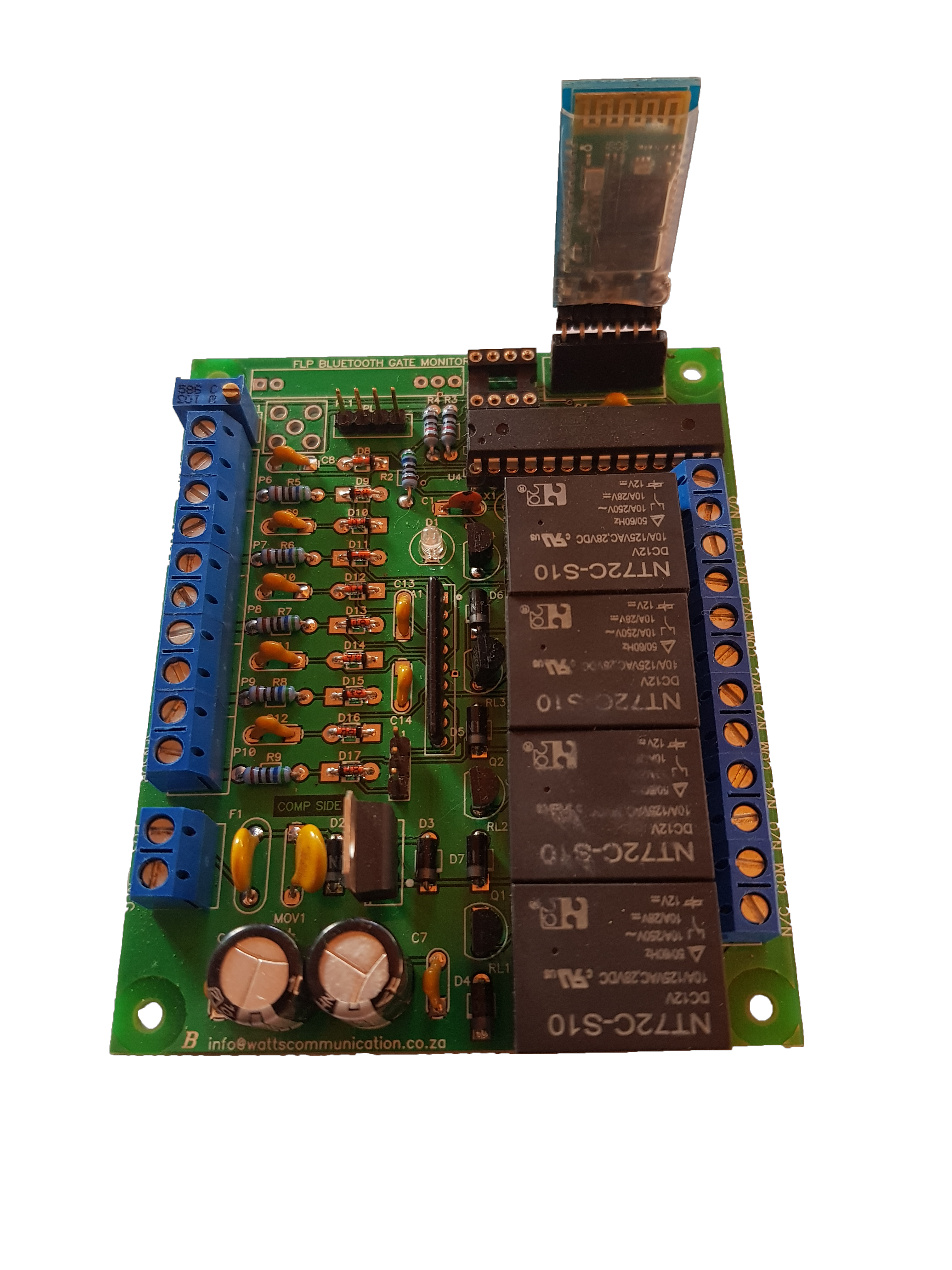
This small device is very handy when it comes to any automated gates at homes or business parks.
It is connected to your phone via Bluetooth and it is easy to use, you Download the app to your phone from Google play store called “FLP Bluetooth remote and gate monitor”, press connect, select Bluetooth gate monitor (or the name you saved it as), you can now open the gate. There are 4 buttons “Gate”, “pedestrian Gate”, “Panic” and “Lightswitch” to switch lights on/off.
The Gate Monitor is used to monitor gate activity. Let’s say for instance someone wants to break into the premises and forces the gate open, the device will automatically trigger a siren/alarm.
It can also be used as a more safe and secure keypad replacement if you are registered at any “Armed Response Unit” you can give them the “user password” to access the premises if indeed any alarm tripped. You can also change the “user password” whenever you want. The device has to be installed on the Gate motor before you can access the app and connect.
You have to be within a radius of at least 10 Meters (standard distance for Bluetooth) to be able to connect to the device.