Neighborhood Watch System. Ver 1.00
This brochure broadly explains the working of the Neighborhood Watch System (NHWS).
We hope that this system will protect and serve you and your family as well as the community. All the NHWS systems on the same channel and in range will be notified of the alarm activity that just occurred. The only thing that your neighbors then must do is to keep a watchful eye and observe. The NHWS is designed to work with many NHWS units. The more units in the field the more effective this NHWS works. Different communities can work in the range of each other without interfering on each other’s networks just by using different channel # on the NHWS. The NHWS concept is that to make neighbors aware of each other and if there’s an incident that all the neighbors have a lookout and then react all at the same time, either to contact the local authorities or the local CPF with the necessary info. The main advantage of using the NHWS is that it keeps all the neighbors in contact with one another.
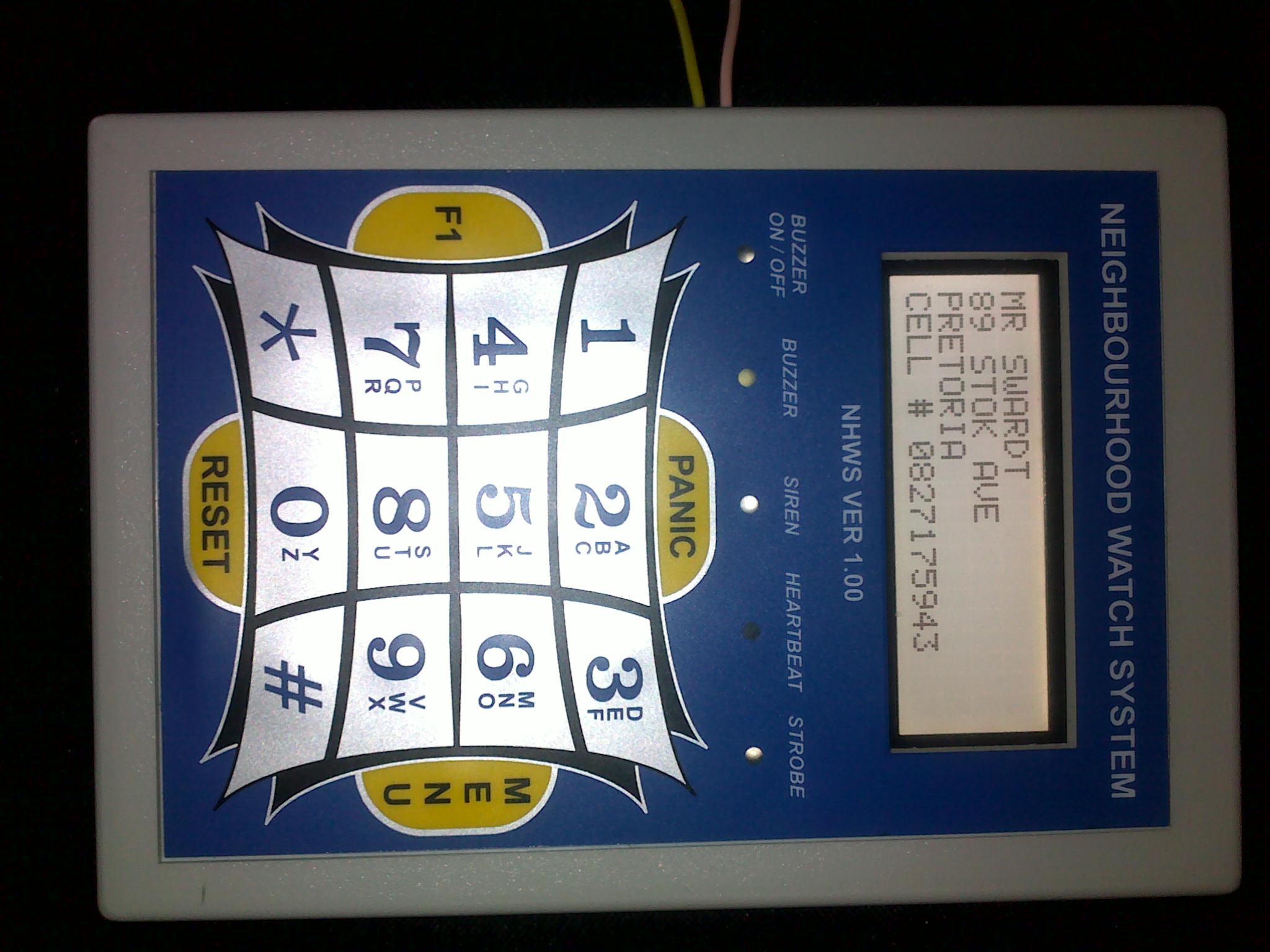
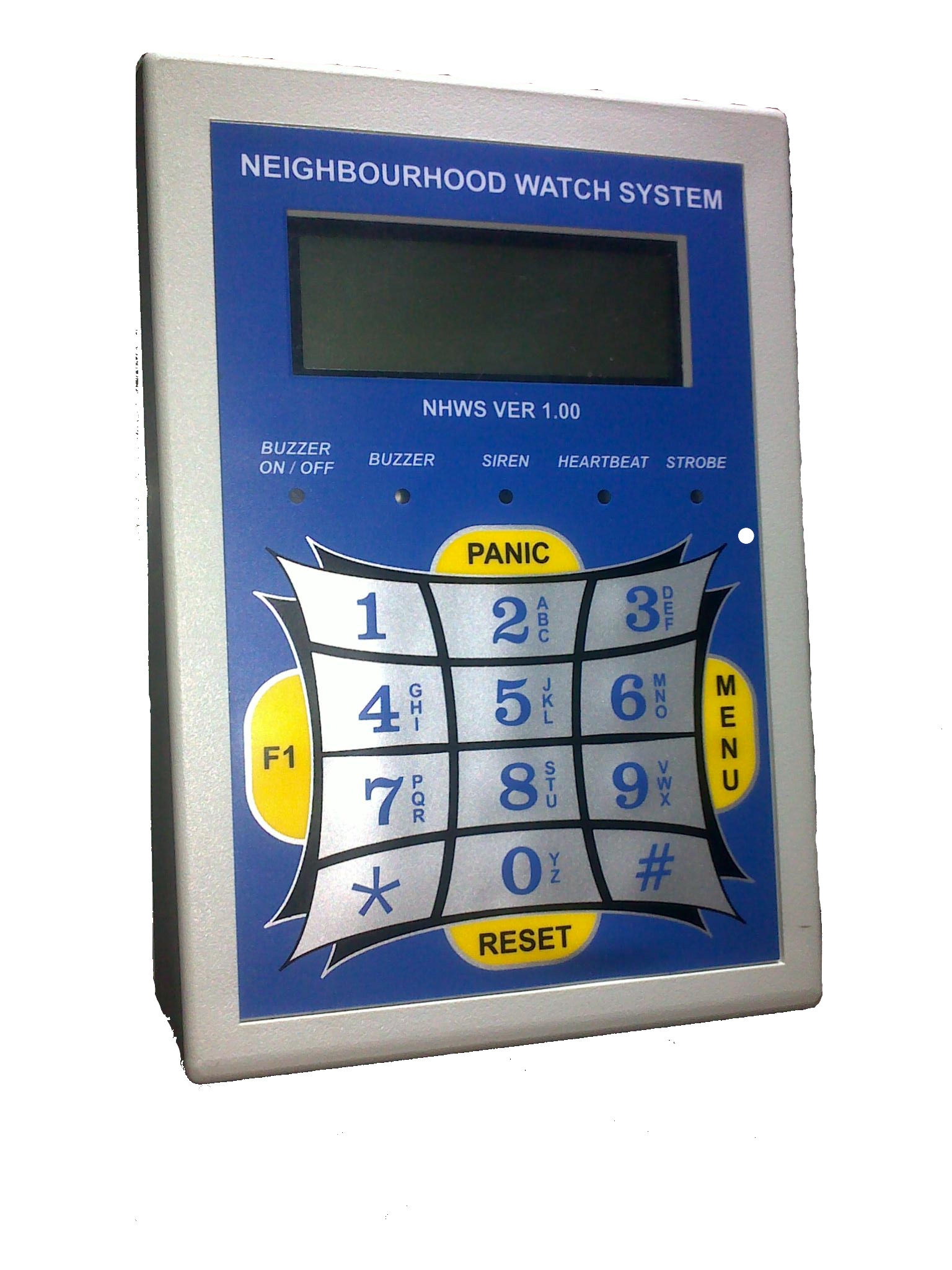
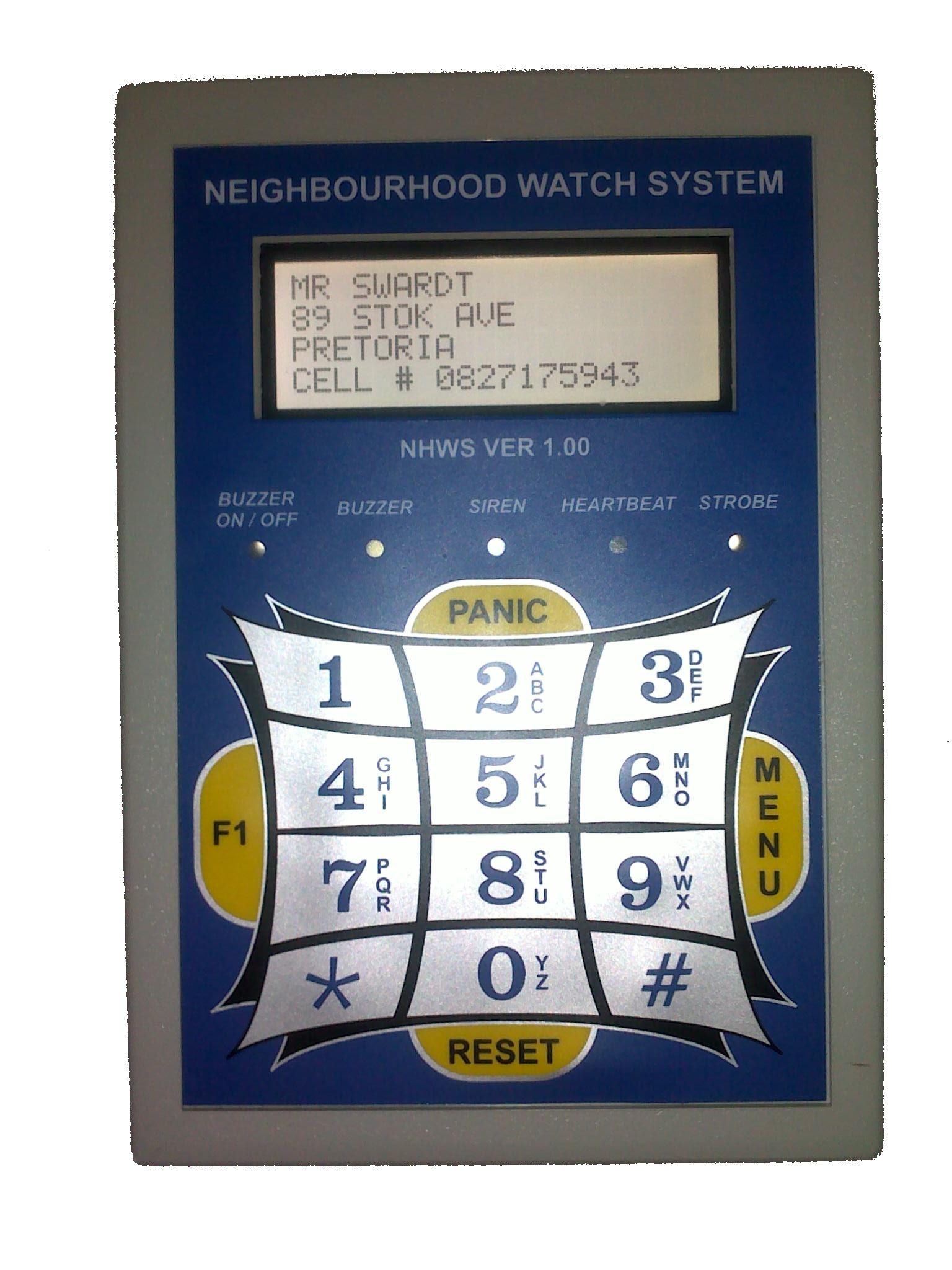
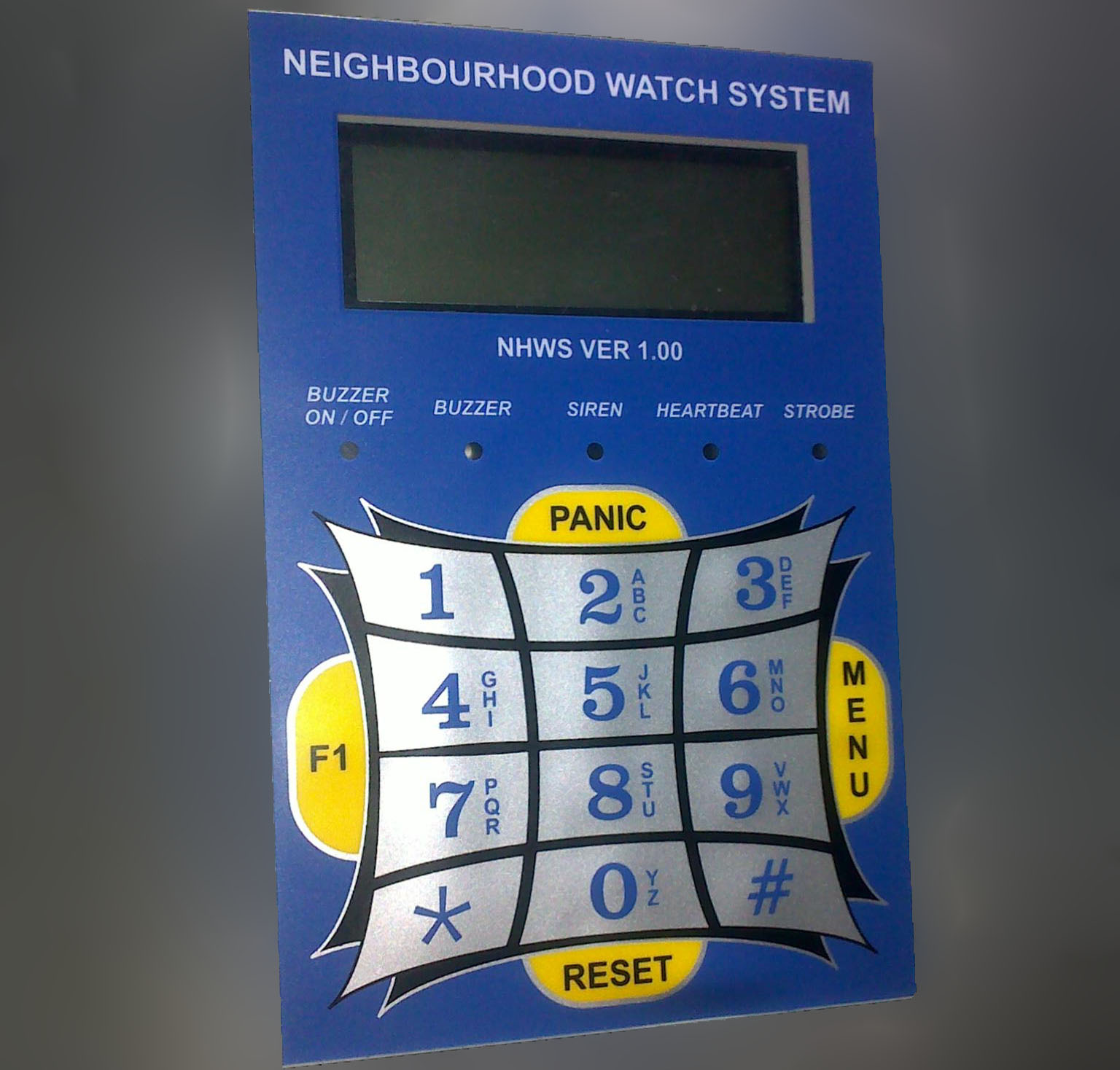
The NHWS is designed to work with your existing alarm system but if necessary it can also work as a standalone system. You can connect your remote panic button receiver to the NHWS. The NHWS is designed to be user-friendly. Each NHWS unit is loaded with its owner contact detail. If an alarm is activated the NHWS will transmit the alarm condition plus the contact detail. The other NHWS systems received this data and then display the received data on the LCD display. By pressing the F1 button you can engage in a pre-programmed SMS conversation with the user in need (if he is available). By looking at the system keypad and the display it explains itself. On the NHWS keypad, there is an on board PANIC button. The NHWS is using a powerful 32-bit microprocessor with efficient 100mW UHF radio transceiver. The NHWS is equipped with 6 inputs and is optically isolated to prevent any damage to the 32bit processor and 4 outputs that can be programmed. The NHWS is designed locally and if a community needs special functions added to their NHWS it can be arranged by request.
Inputs :
Input 1 – Electric Fence alarm.
Input 2 – Medical alarm.
Input 3 – Fire alarm.
Input 4 – Panic alarm.
Input 5 – Burglary alarm.
Input 6 – Duress alarm.
The inputs can be connected directly to your existing alarm-control panel / electric fence energizer or if necessary to your remote panic button receiver.The inputs need a 12V+ to trigger. Depending on the input that was activated a radio signal will be sent to everybody that’s on the same channel #. A buzzer will then beep to notify the respondents that an alarm condition was received. By looking at the LCD display the type of alarm, the name, address and the telephone # of the user in distress displayed.By pressing the F1 button on the keypad a list of short messages will display. By selecting a message from the list you can communicate to the user in distress if available.
Alarm priorities:
The buzzer will beep to indicate alarms.
High priority ( 3 Beeps ). SMS communication via the keypad.
Medium priority ( 2 Beeps ). Panic alarm. Duress alarm. Medical alarm. Fire alarm.
Low Priority (1 Beep ). Burglary alarm. Electric fence alarm.
Outputs:
Output 1 – Buzzer.
Output 2 – Siren.
Output 3 – Strobe light.
Output 4 – Aux – Armed response radio link.
Buzzer :
If an alarm signal was received the buzzer will beep to indicate that a valid signal was received. Buzzer beep ones for a low priority alarm and buzzer beep twice for a high priority alarm.On the NHWS unit, a buzzer LED will also flash to visually indicate the received condition status.
Note: The buzzer can be deactivated in the NHWS menu but the LEDs can’t be disabled.
Siren :
If you trigger input 2(Medical), input 3(Fire) or input 5(Duress) theNHWS will activate the siren output. The siren will reset itself depending the setup time.The siren can also be switched off by pushing the MENU button on the keypad and then entering the USER PASSWORD and in the USER MENU select option 2-RESET ALARM . This will switch the siren off as well as the strobe light.Note:The siren can be deactivated in the NHWS menu.
Strobe light :
If any of the inputs was activated it will activate the strobe light output.The strobe light will stay activated till the user reset it by pushing the MENU button on the keypad and then enter theUSER PASSWORD and in the USER MENU select option 2-RESET ALARM . This will switch the siren off ( if still activated ) as well as the strobe light.
Note:The strobe light can be deactivated in the NHWS menu.
Aux :
To be connected to Armed Response Radio
Technical :
Voltage – 12v – 16v DC.
Current – 49mA(Idle) – 123mA(LCD and TX on).
Transmitter – 100mW.
Frequency – 433.92Mhz.
Antenna socket – SMA female.
Antenna – ¼ Wave with ground plane.
Coax – RG174 – with SMA Male socket.
Coax length – 5M.
Display – 20×4 White LCD.
Keypad – Membrane keypad with tactile keys.
Case size – H -30mm/50mm W-195mm L-280mm.
Case color – Black / Light Grey.
Mounting – 2 x hooks at the back of case.